Step 1: Log in to Your Membership Account
Visit the AberDNA membership benefits page here and sign in (top right corner) by using the email address associated with your membership.
Step 2: Access the Shirt Claim Page
Once logged in, navigate to the 26/27 AFC Replica Shirt section and select BUY.
Step 3: Select your shirt
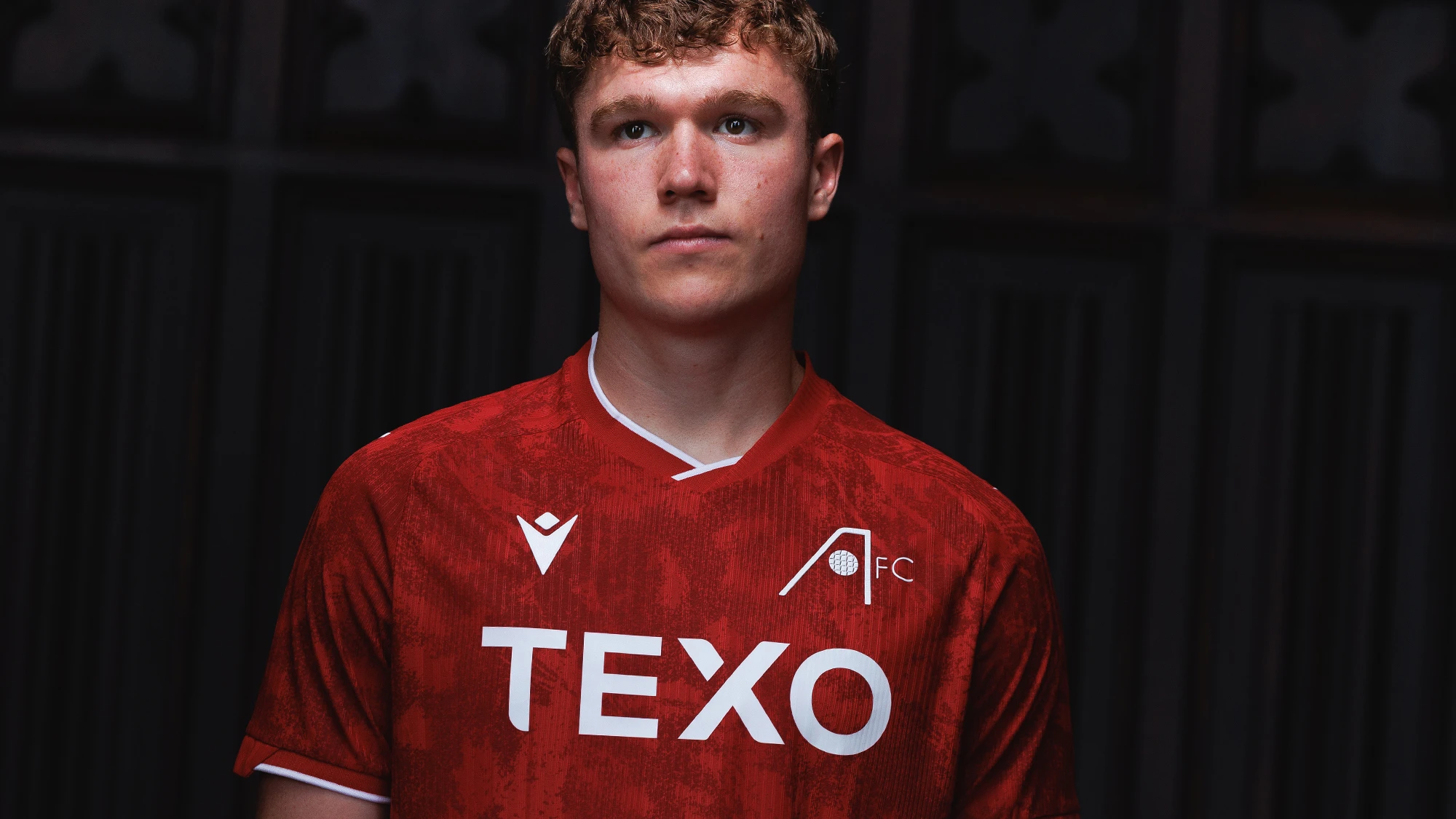
Check the shirt* you wish to order (Home, Away or Third) by selecting the picture of the relevant shirt and pressing SELECT:
Step 4: Select Your Shirt Size
Choose your preferred shirt size from the available options by changing the quantity of the relevant size.
NOTE: Please review the sizing guide carefully before confirming your selection
Step 5: Assign ownership
If you have selected multiple shirts, you must assign ownership of each individual shirt to the relevant AberDNA Member by selecting the pencil icon choosing from the list of your Friends and Family.
Step 6: Delivery Method
Select from “Post” or “Collect from Pittodrie” and press NEXT
Step 7: AberDNA Logo
If you wish to add the AberDNA Logo, free of charge, to the shirt simply change the quantity to “1”.
Step 8: Optional Donation & Order confirmation.
You will then have the option to add a donation to the Aberdeen FC Community Trust by selecting the DONATE button.
Acknowledge the Terms and Conditions by selecting the tick box press SUBMIT.
Need Help?
If you experience any issues claiming your shirt, please contact the Supporter Services Team on [email protected] and provide:
Your full name
Dons ID (if known)
The email address linked to your membership
We'll be happy to help.
Thank you for your support as an AberDNA Member🔴⚪️🧬
Member Benefits
Platinum, Premium +, Premium and International members can claim 15% Dons Cash on any further merchandise purchases as part of their membership.
Standard, Youth and U12 members can claim 10% Dons Cash back on their replica kit online at afc.co.uk/shop.
How do I join?
You can sign up to an AberDNA Membership and claim your FREE shirt here